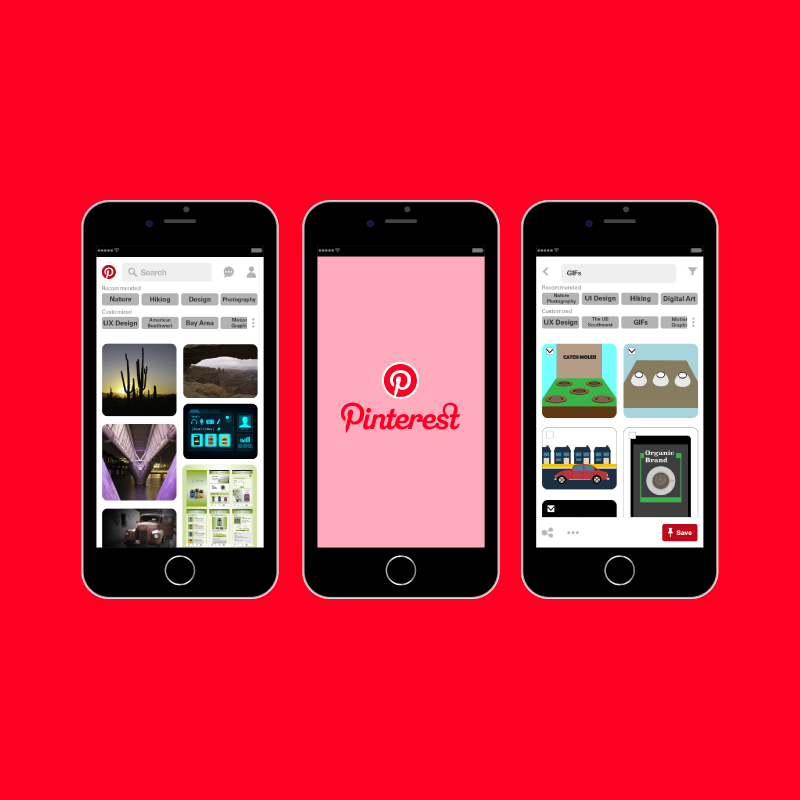
Pinterest is one of the most popular applications nowadays. It is a social media platform that allows people to share their interests with people who have same interests. It uses good images and photos for sharing interests. However, there are some limitations to view and pin images through the Pinterest App. ( At the end of 2017 )
Role
UX/UI Design
Tools
Illustrator, Photoshop, XD, After Effects
Problem Statement
Problems (At the end of 2017)
- Besides the search feature, there is no filtering option on the main page.
- Moving images like GIFs are not moving on the main page. After clicking the image, users can see the movement.
- Zoom In & Zoom Out features are not supported for Android now.
(Pinterest started to provide this feature for iOS on Aug, 2017, and is planning to service for Android soon.) - Limitation of image size options – Sometimes users want to see the bigger size images to see the clear details, but users see the blurry details due to the image size limitations.
- Multiple selection is not available for pinning.
Solution
Modifying some features could be better for the User Experience.
I am going to improve the User Experience by modifying the limitations.
User Interview
Interview Questions.
- How often do you use Pinterest?
- Do you like Pinterest?
- What do you like about Pinterest?
- What kinds of features do you want to change or add?
- Valerie Garcia
- Yoon Sang Kim
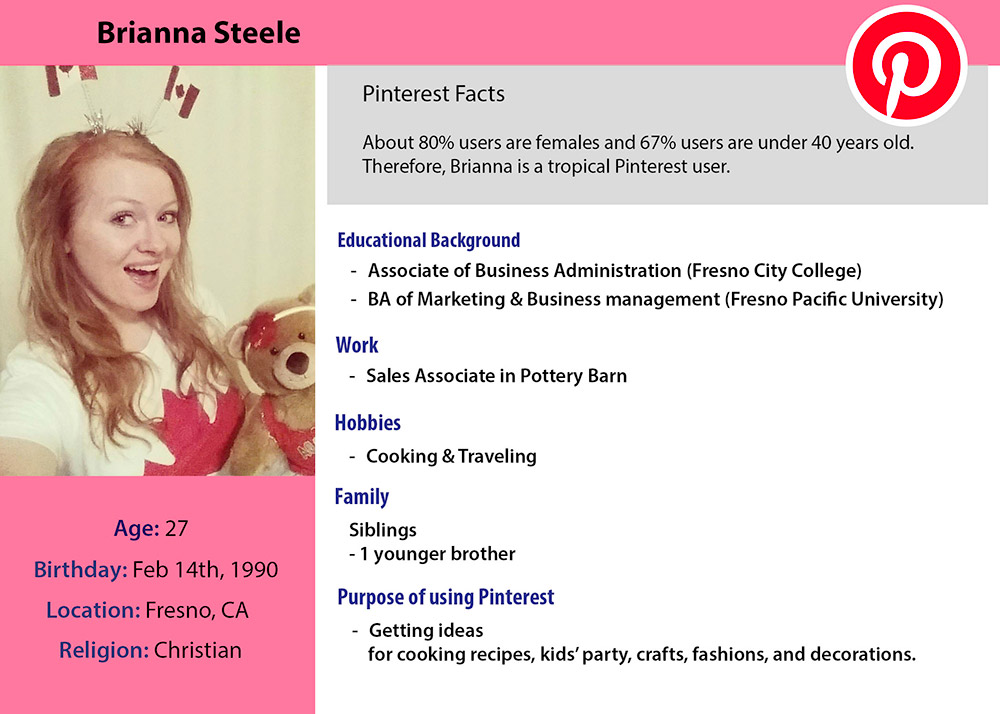
- Brianna Steele
-

Valerie Garcia
- Whenever I want to get inspiration, I use it. I just use for finding idea, so I did not post before.
- Actually, I do not like it because I feel it is different from other social media.
- It is good to have good resources for inspiration.
- I cannot choose multiple pictures for pinning, so it could be better to have functions to choose multiple pictures.
-
Yoon Sang Kim
- Actually, I sometimes visit Pinterest. When I need to search, I visit Pinterest to get information.
- I think I like it because it is good source although I did not use it too much.
- The idea of sharing interests.
- It could be better to have customized sorting option. On the main page, it could be good to show recommended topics (key words), and users can change and reorganize the keywords for finding interests easily.
Brianna Steele
- Every time when Pinterest send me notifications. It probably twice or three times a week.
- I like it. I get many ideas for cooking, party for kids, crafts, and so on.
- It gives me ideas, and I can pin it to see again whenever I need.
- I think it could be better to see higher resolution image. Sometimes, I magnify areas on images, but they look blurry due to the low image resolution.
Competitive Research
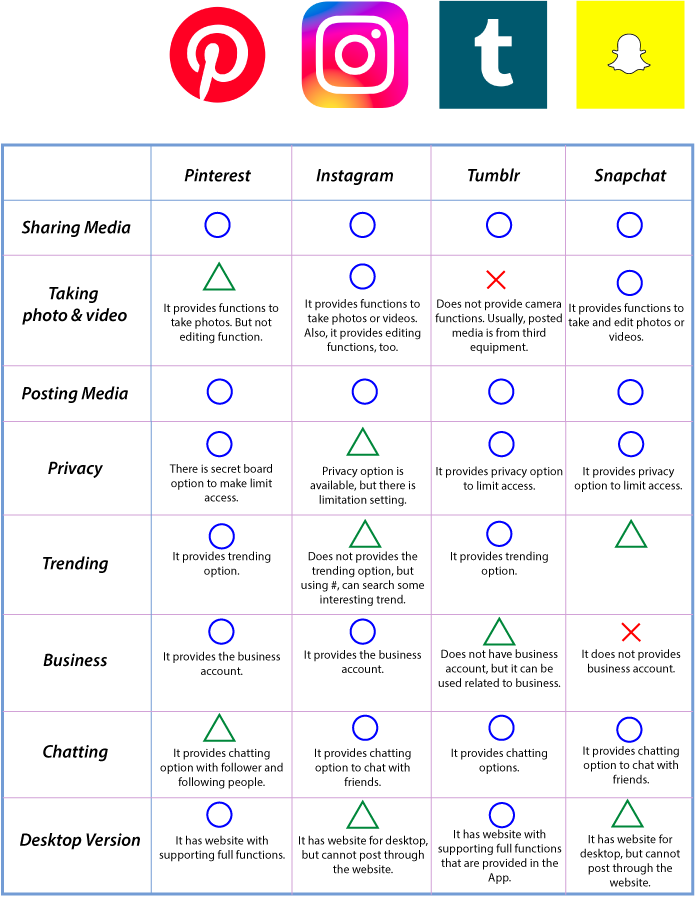
There are many famous applications to share media like Instagram, Tumblr, Snapchat.
Although they have different goals, many features are similar to Pinterest.
Persona
User Flow
Initial Design
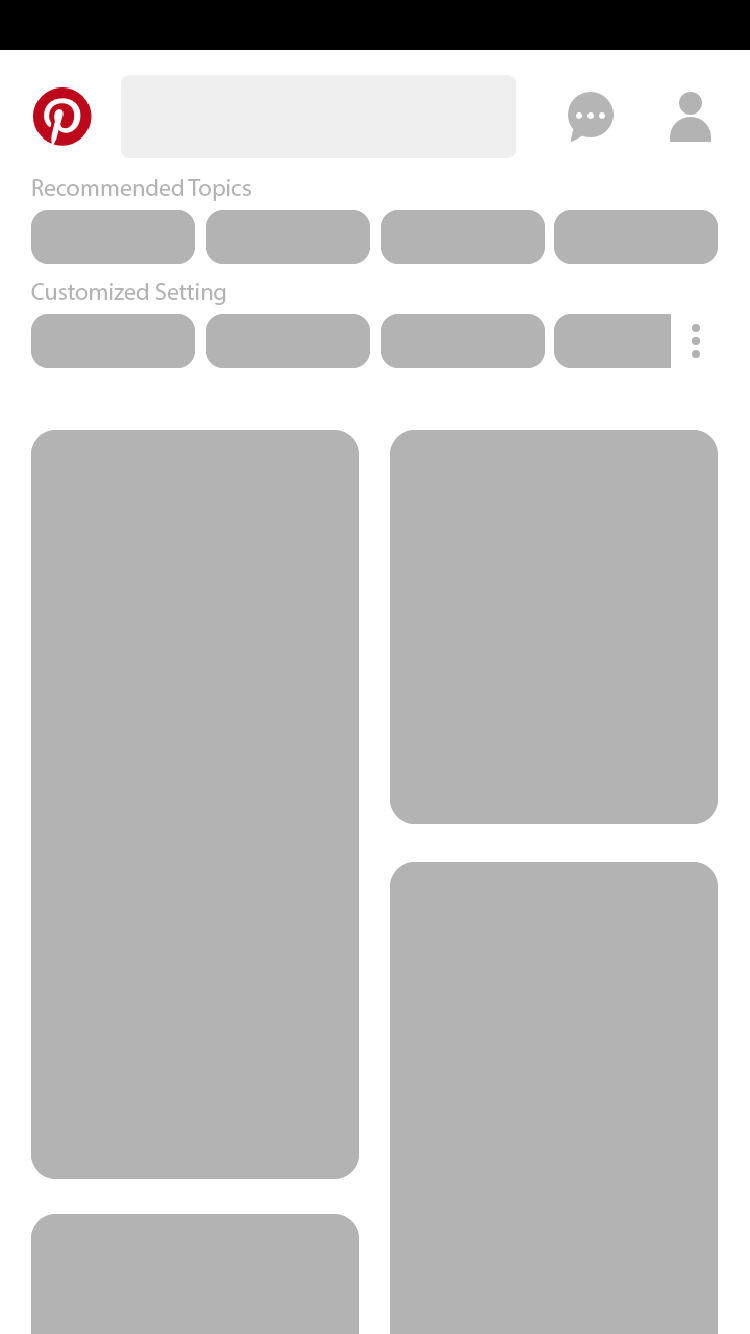
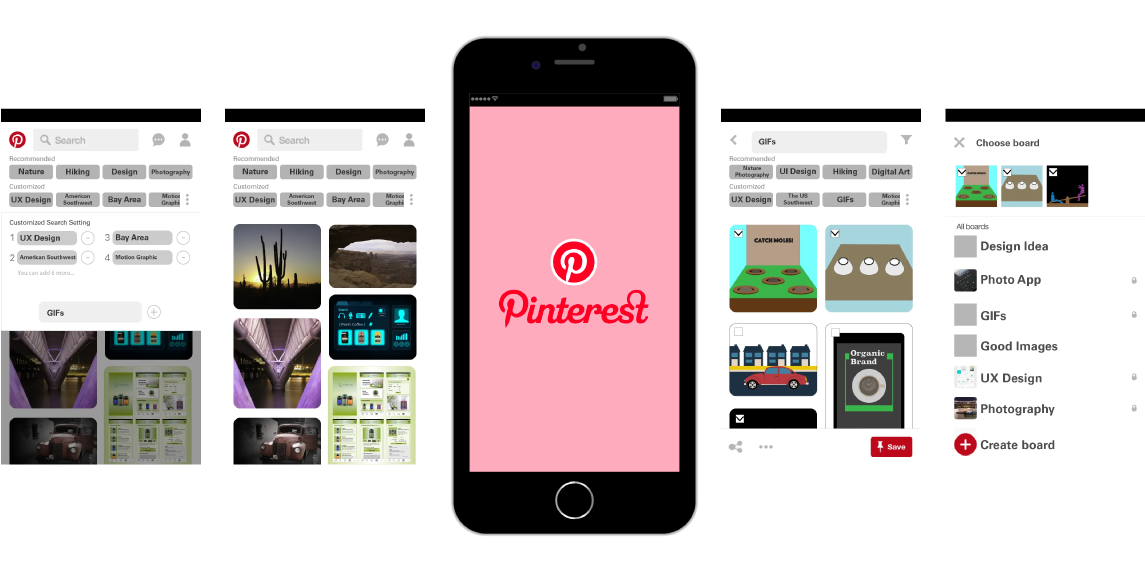
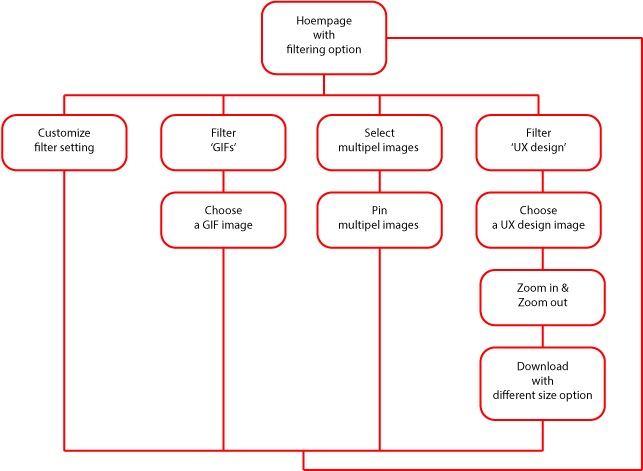
1Homepage with filtering option
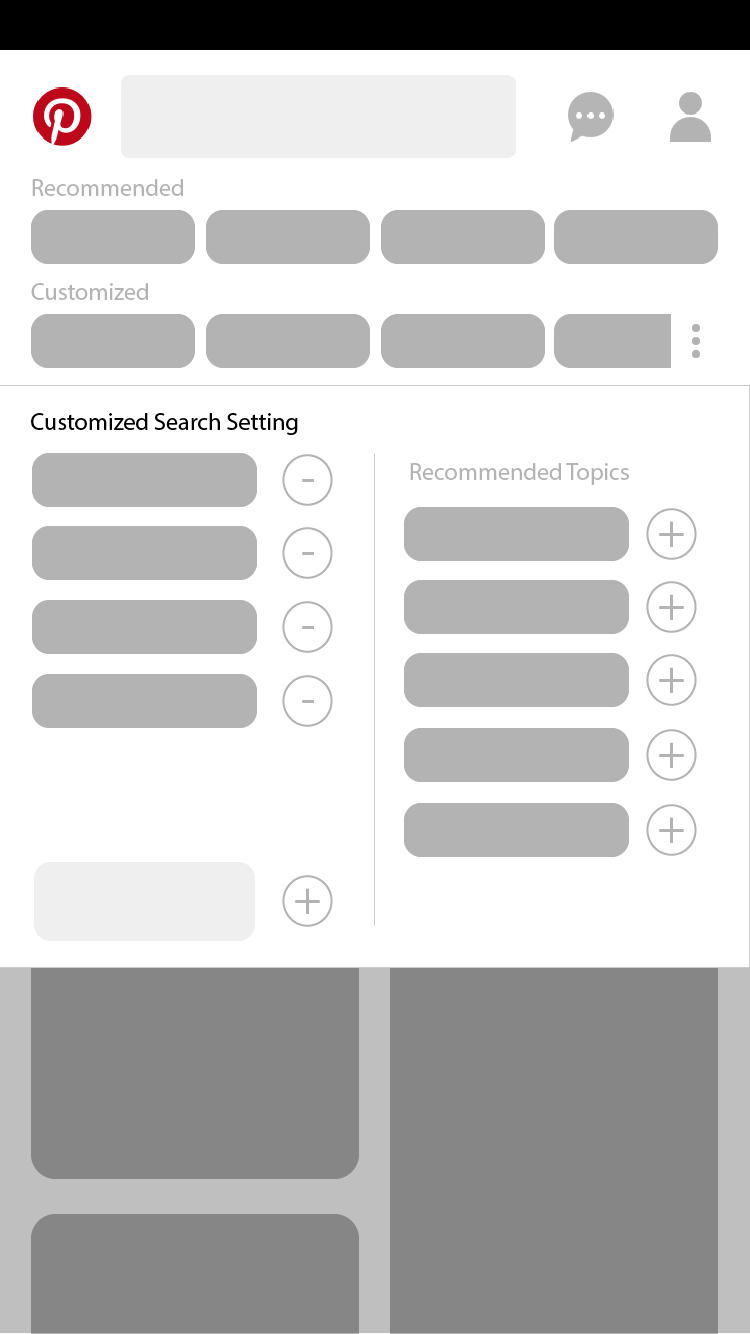
2Customize filter setting
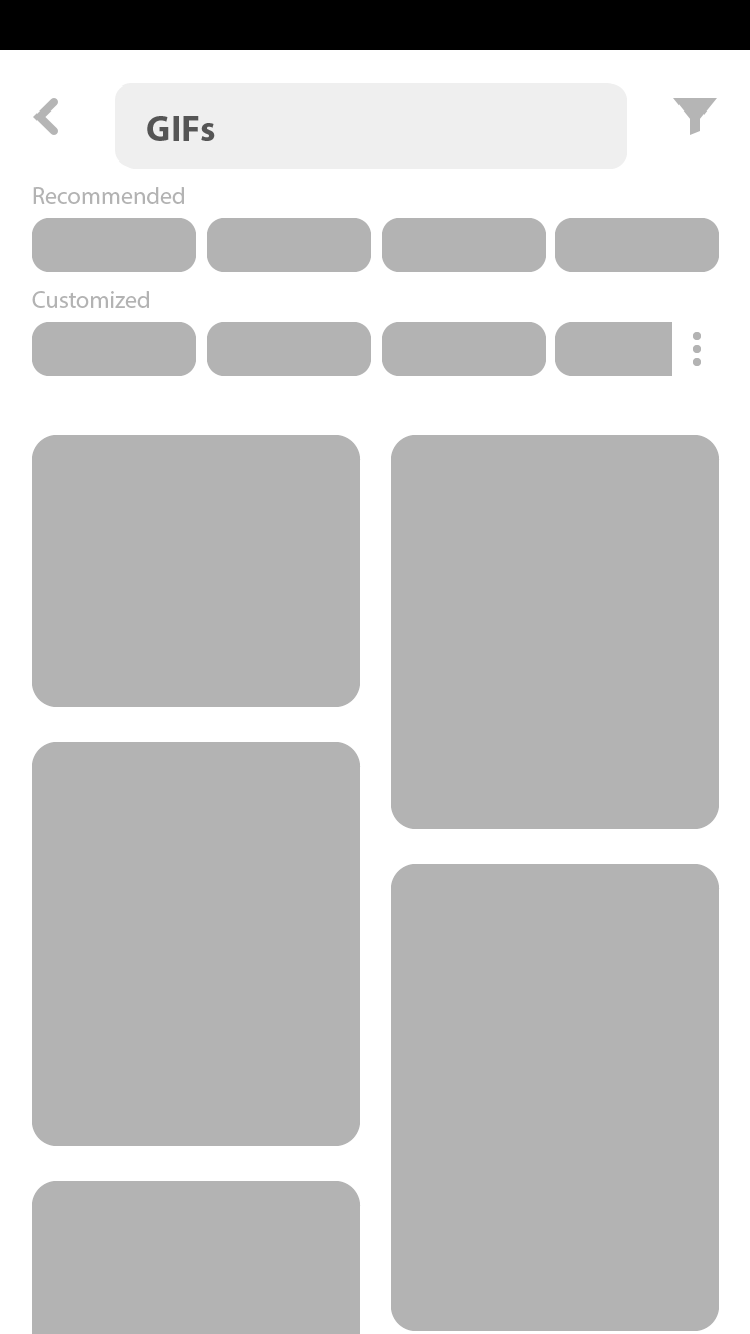
3View after filtering
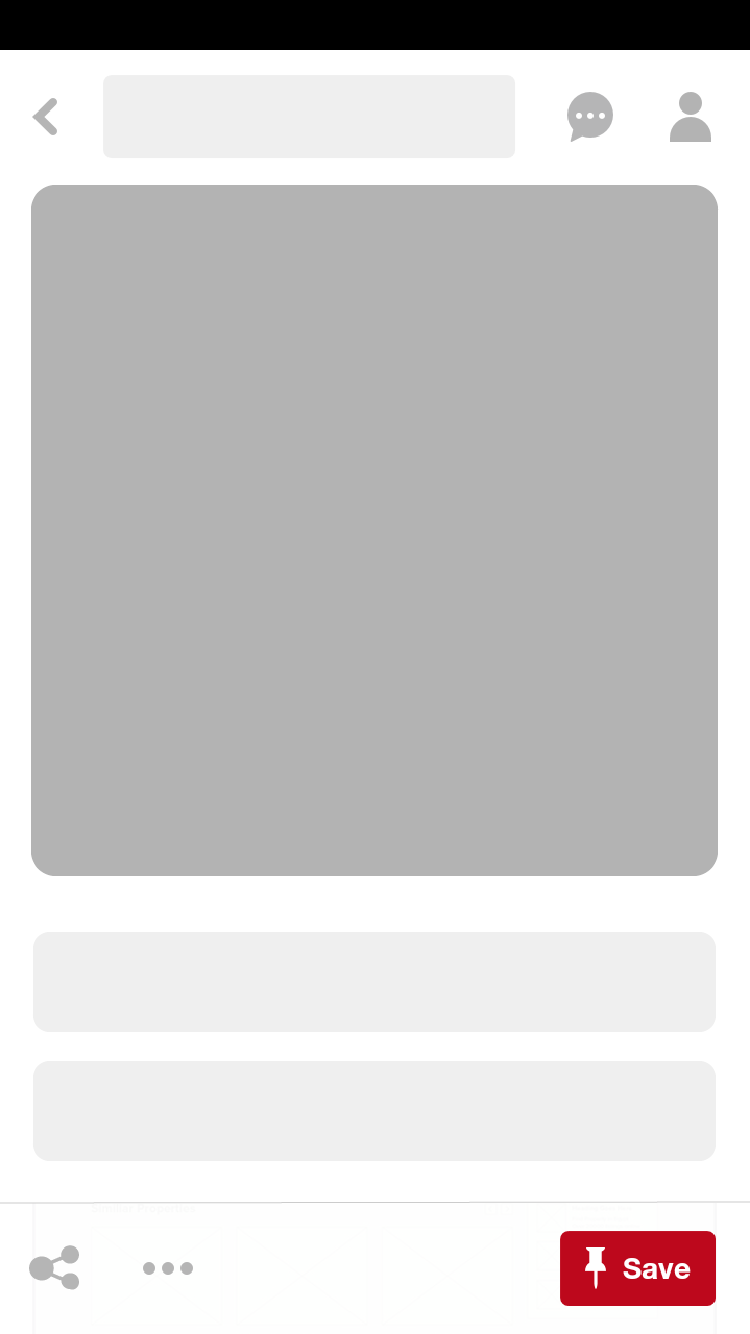
4View of a chosen image
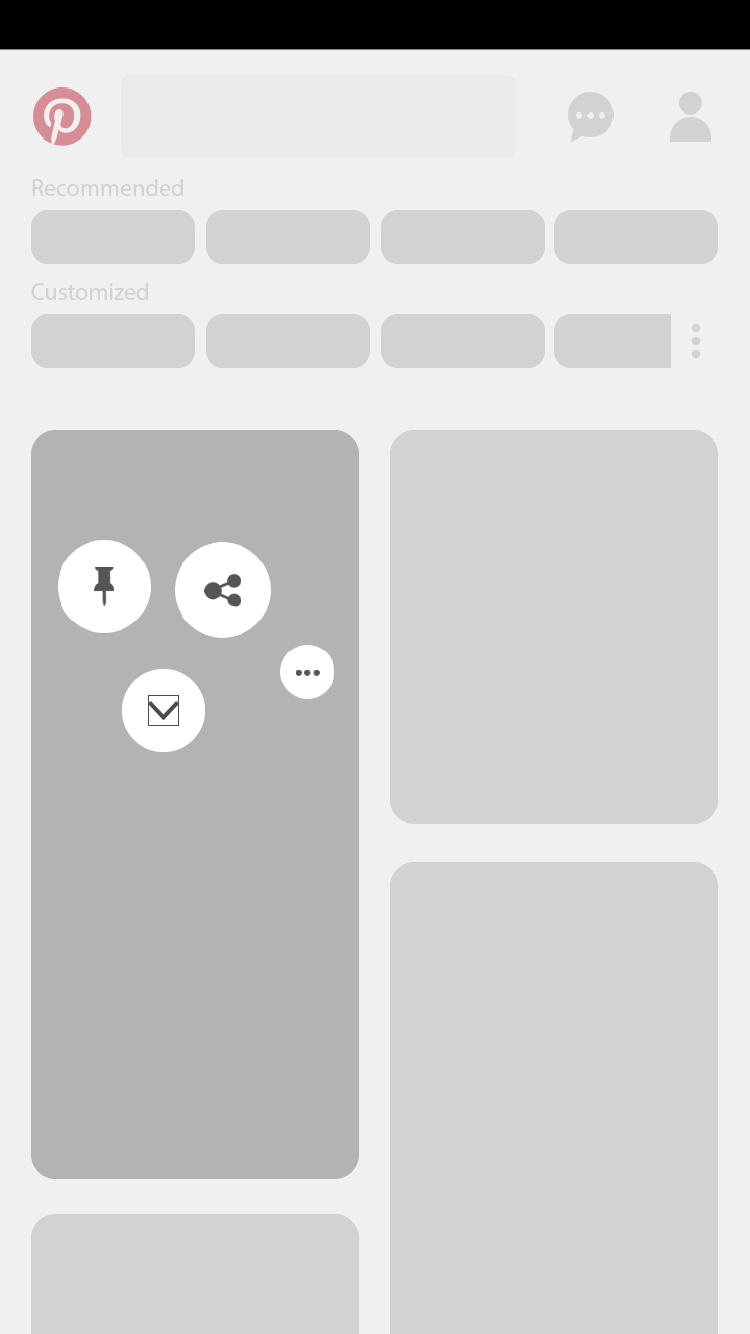
5Options shown after long click
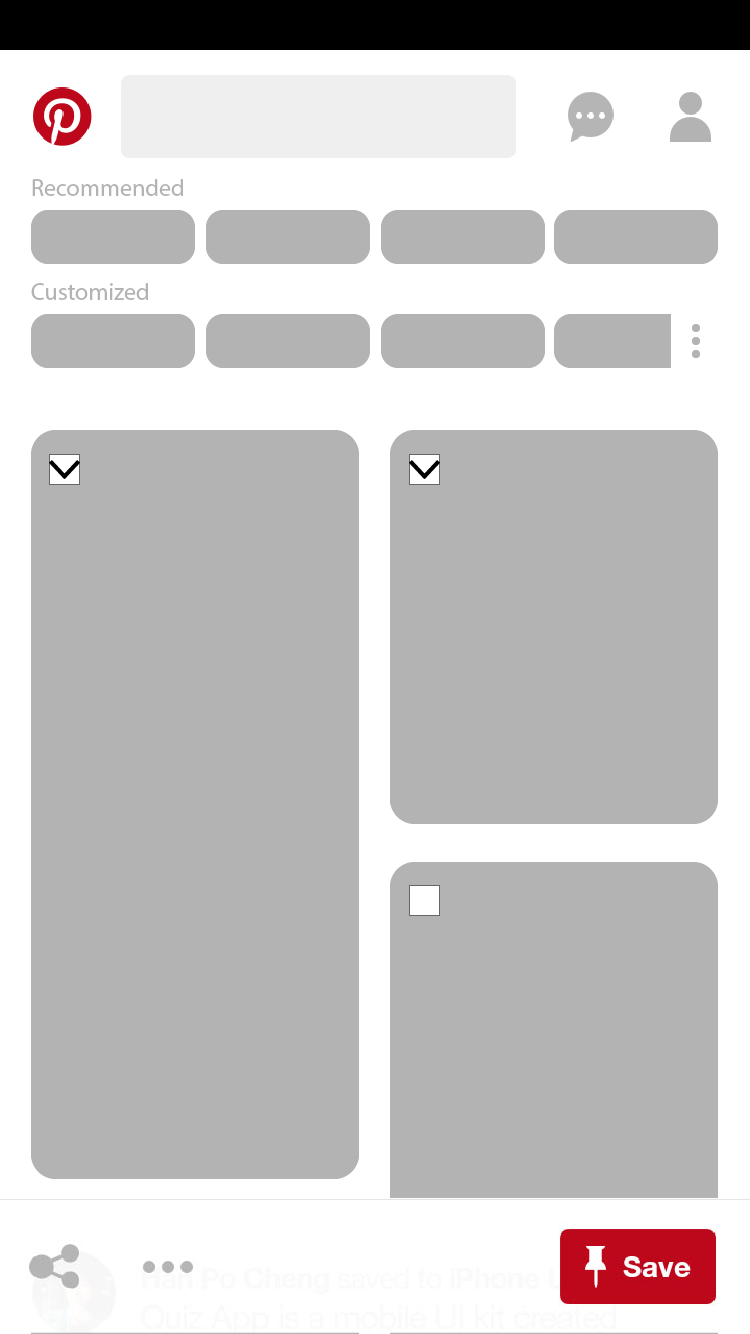
6Option of multiple selection
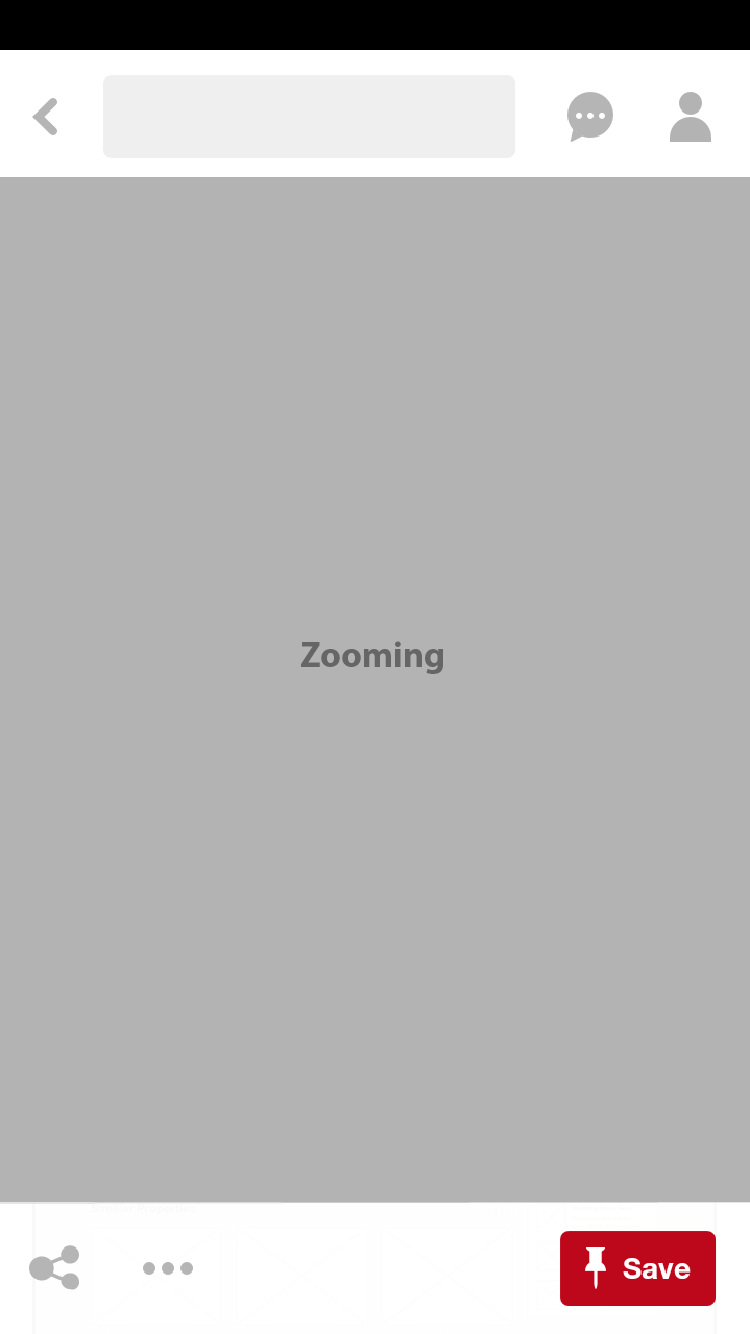
7Zoom in & Zoom out
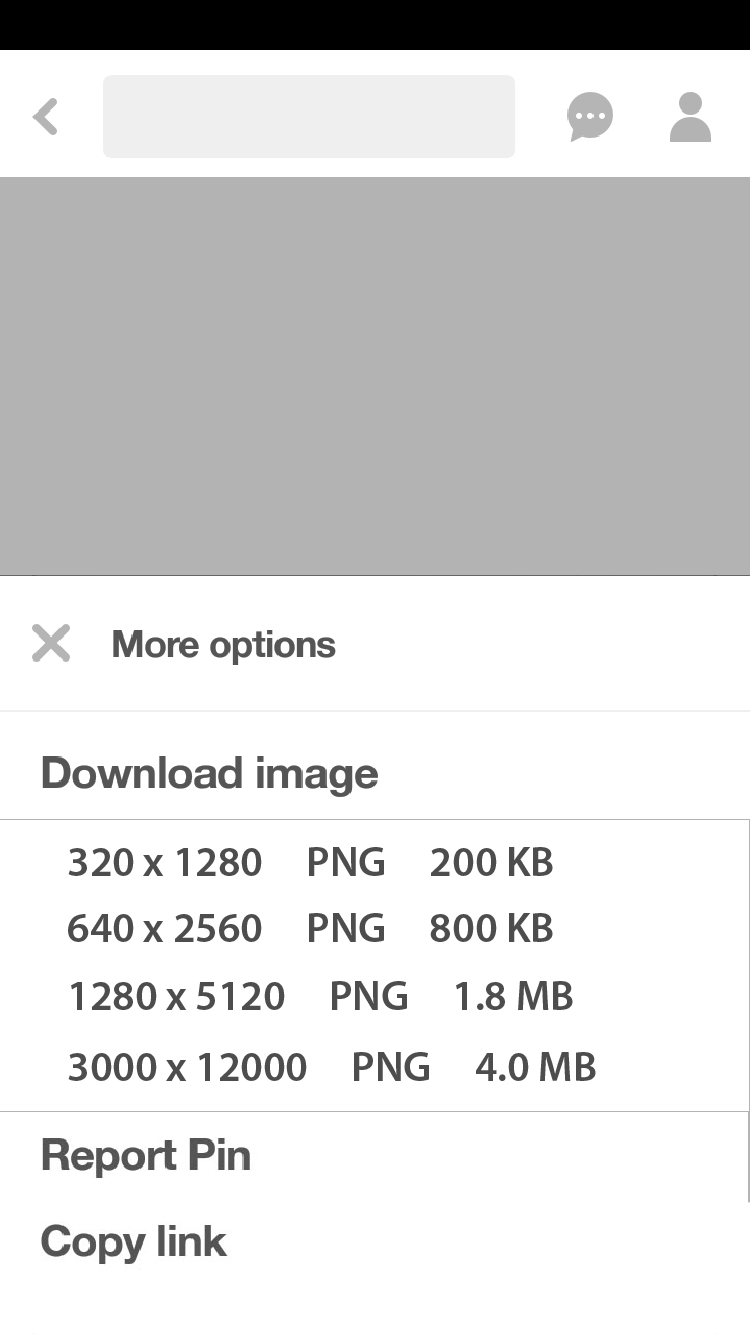
8Download with different image size
Final Solution
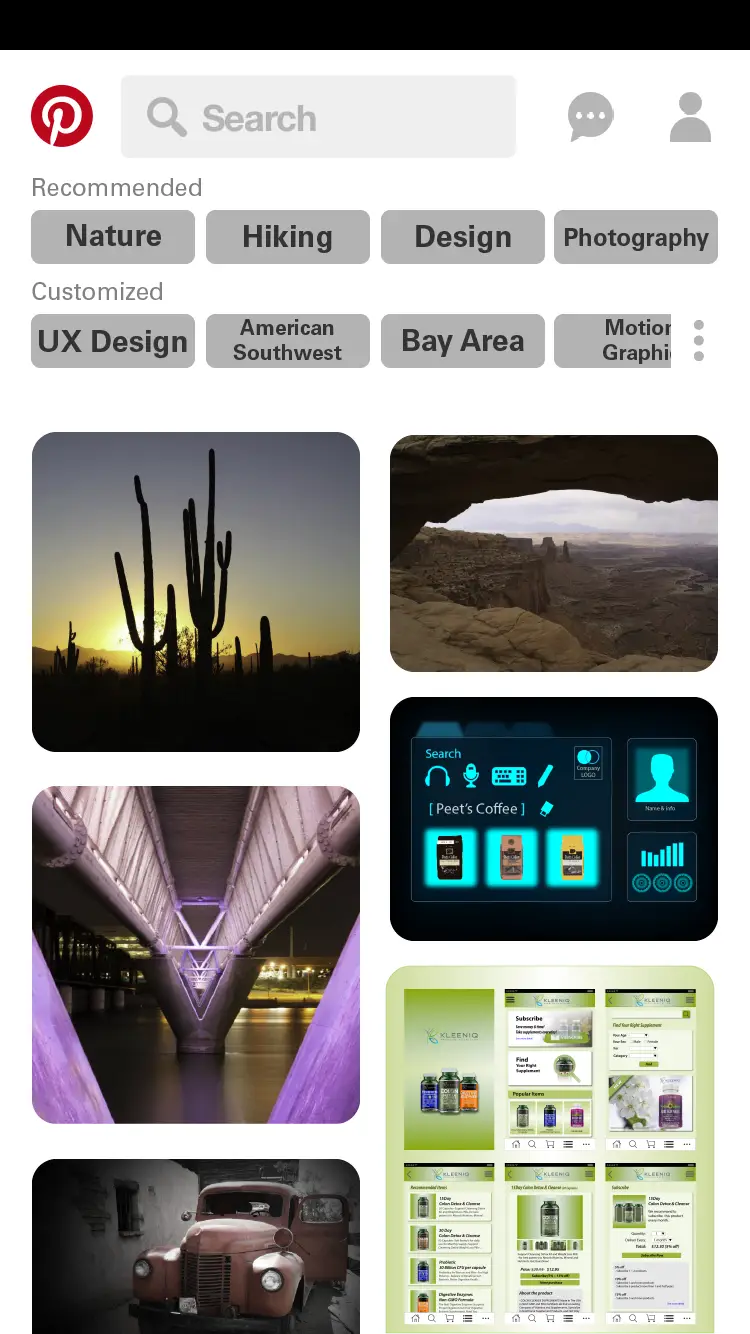
1Homepage with filtering option
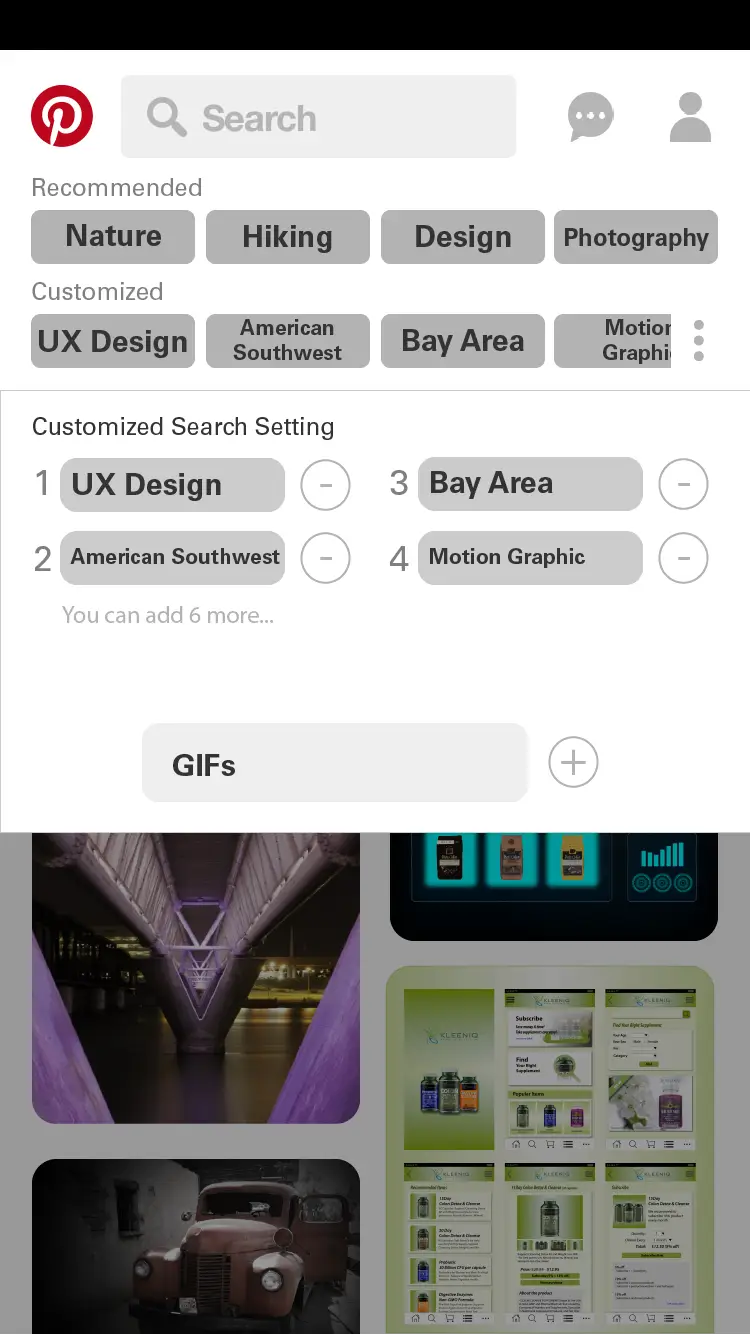
2Customize filter setting
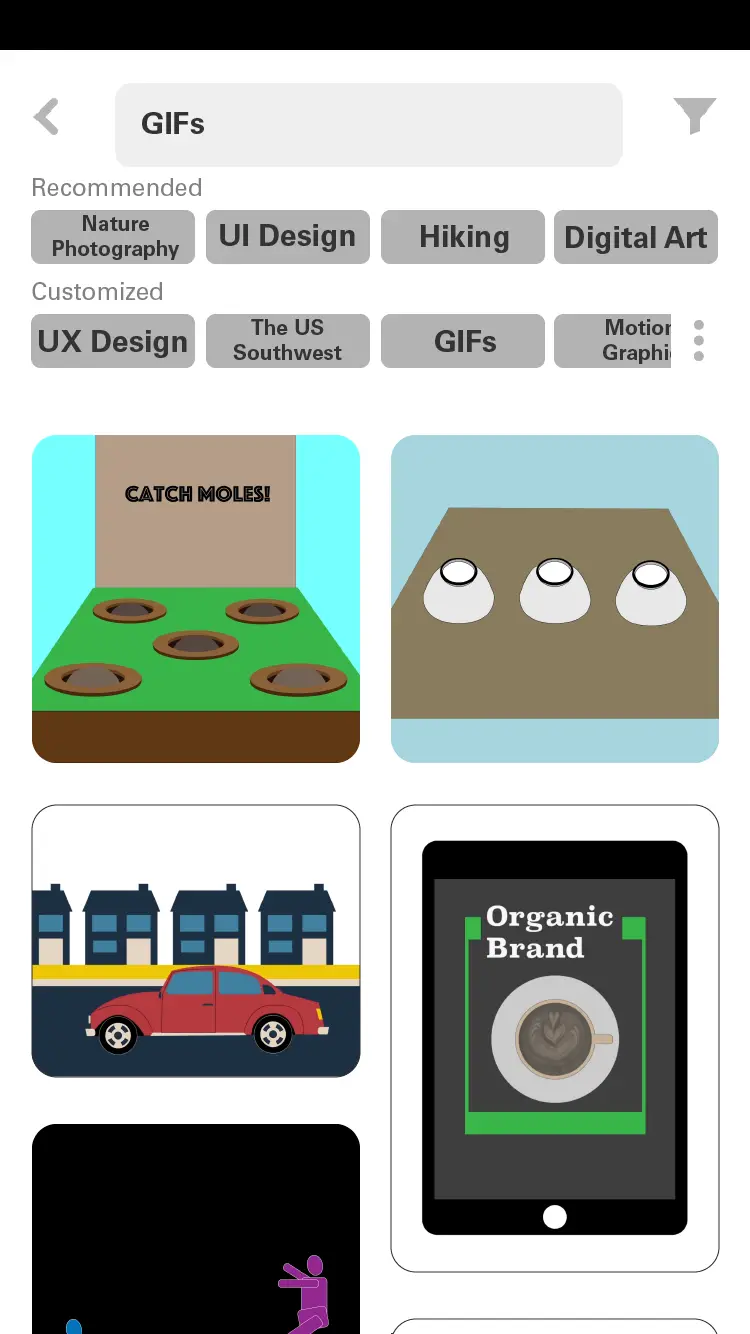
3View after filtering (GIFs)
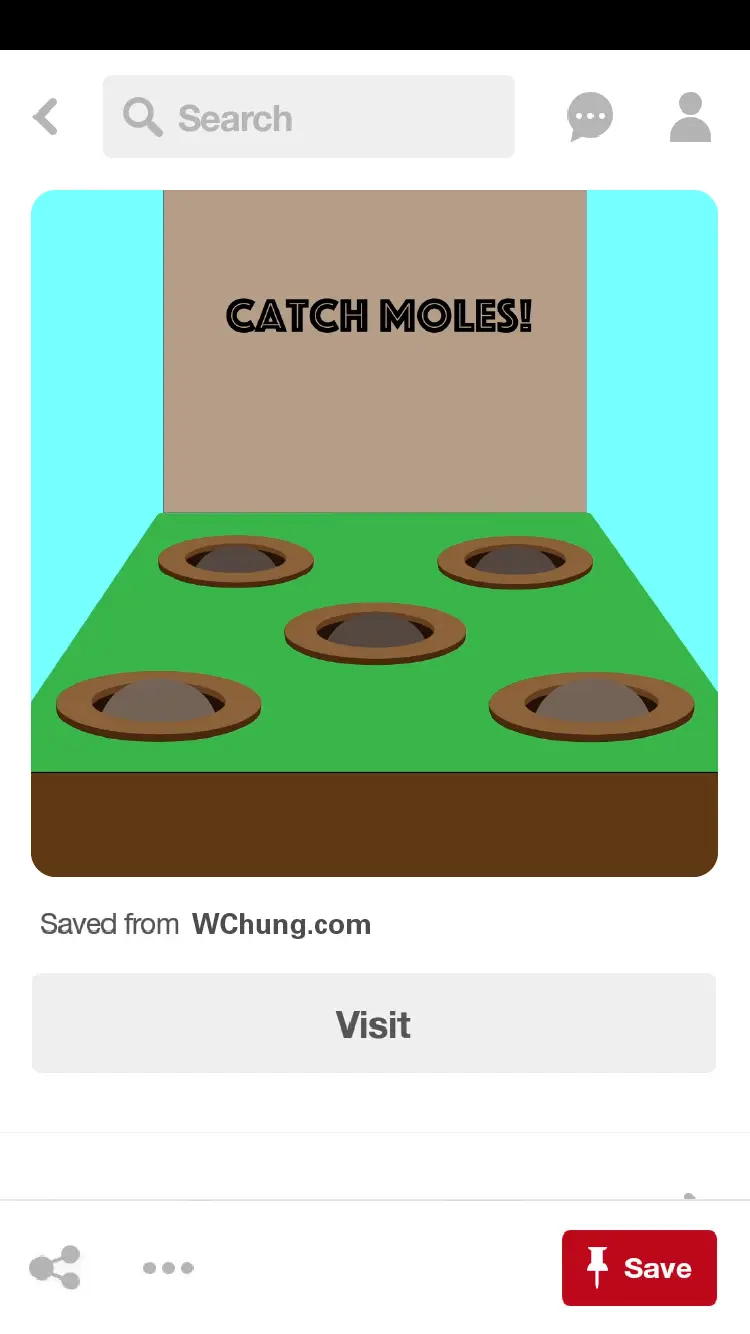
4View of a chosen image
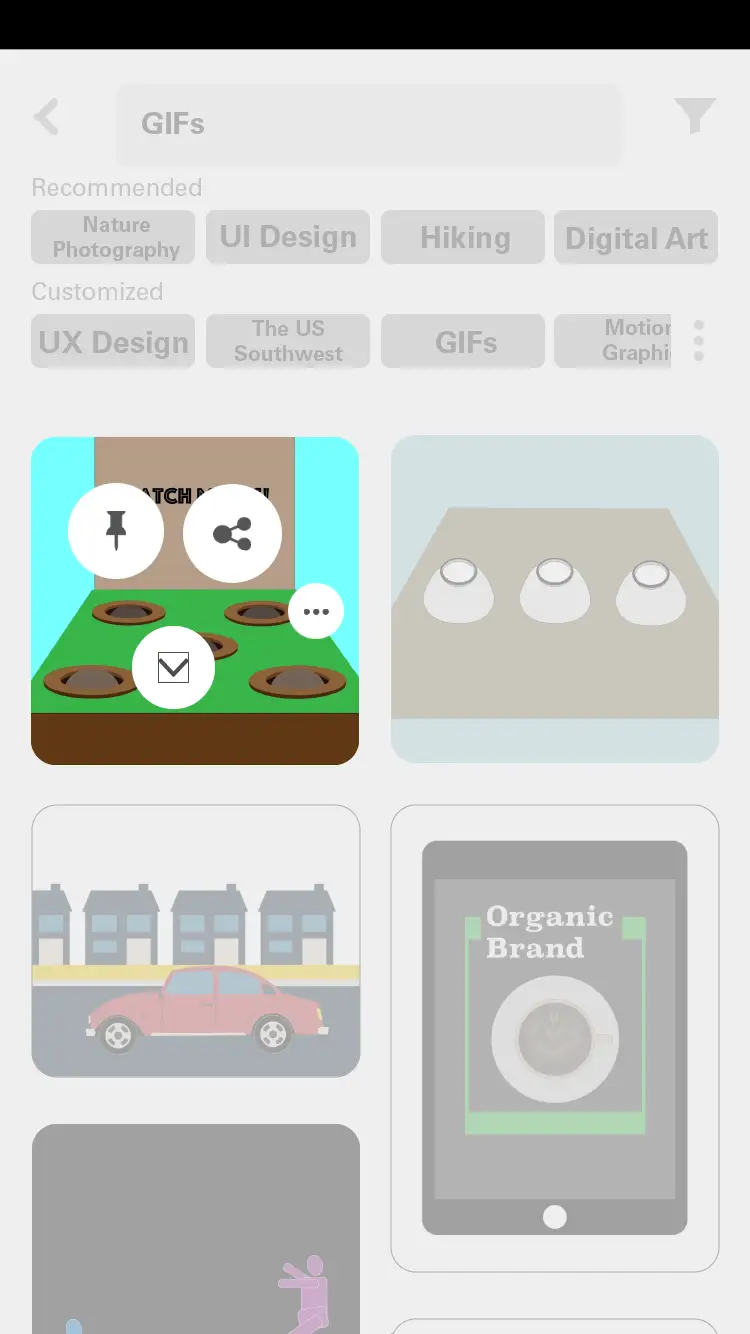
5Options shown after long click
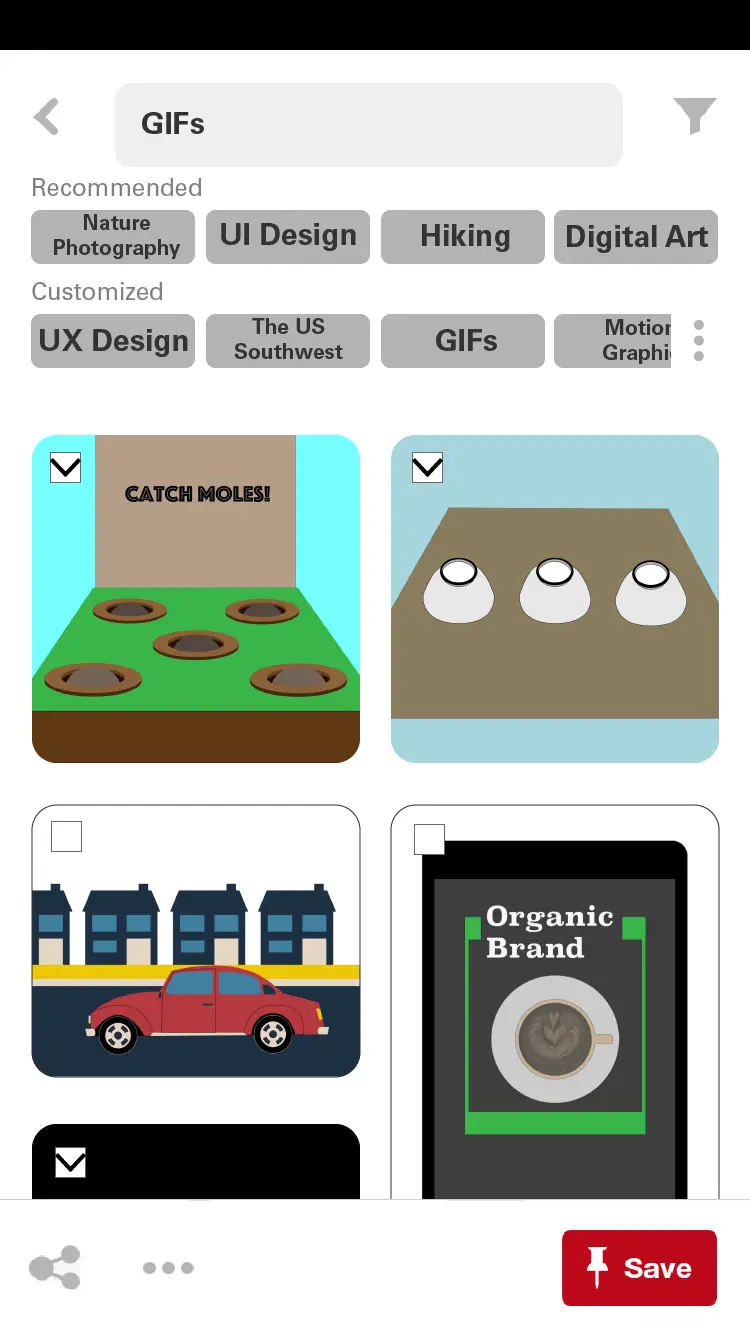
6Option of multiple selection
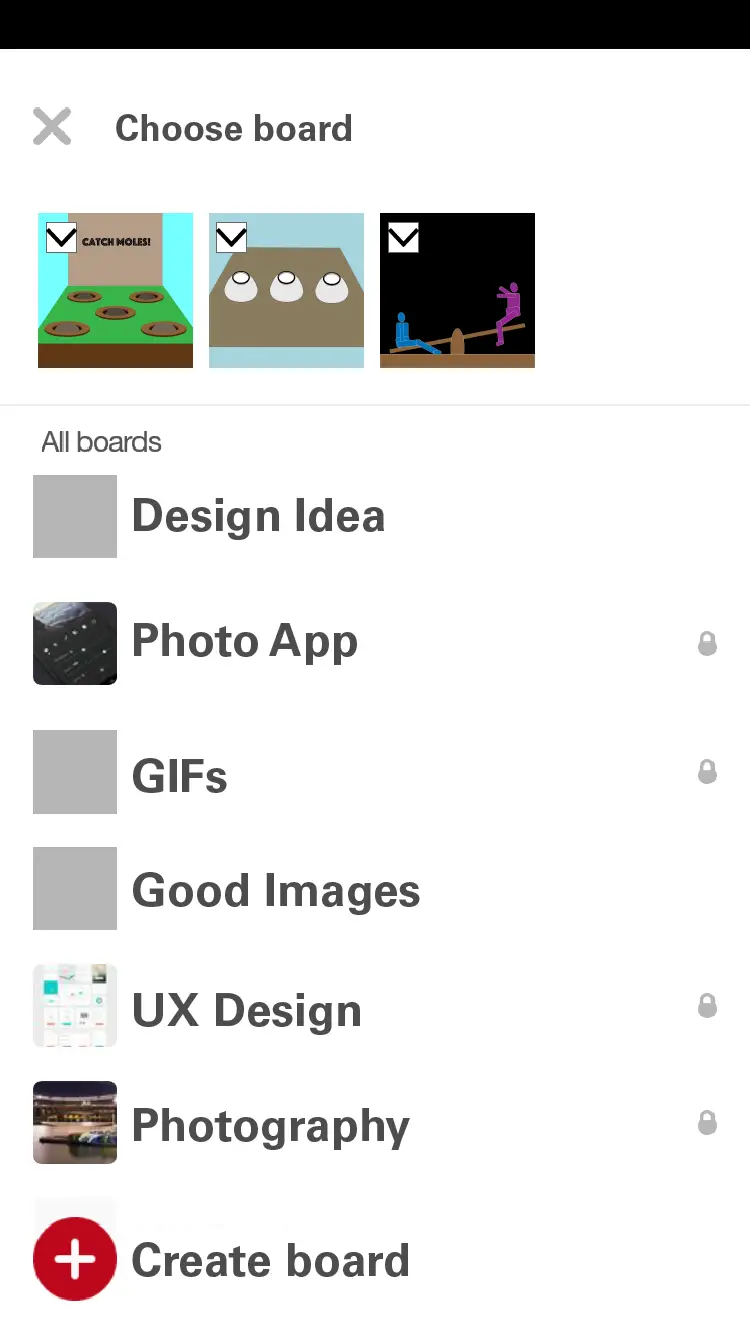
7Choose board for saving multiple images
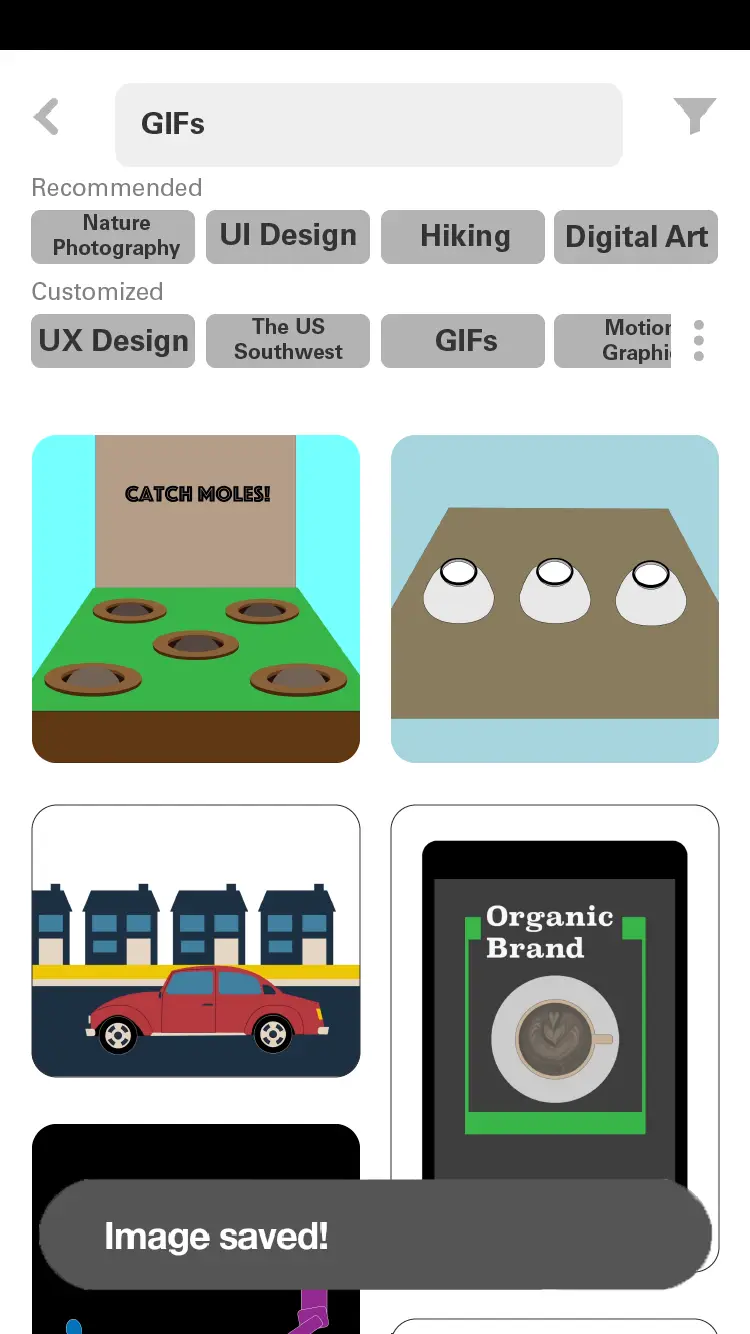
8View after saving images
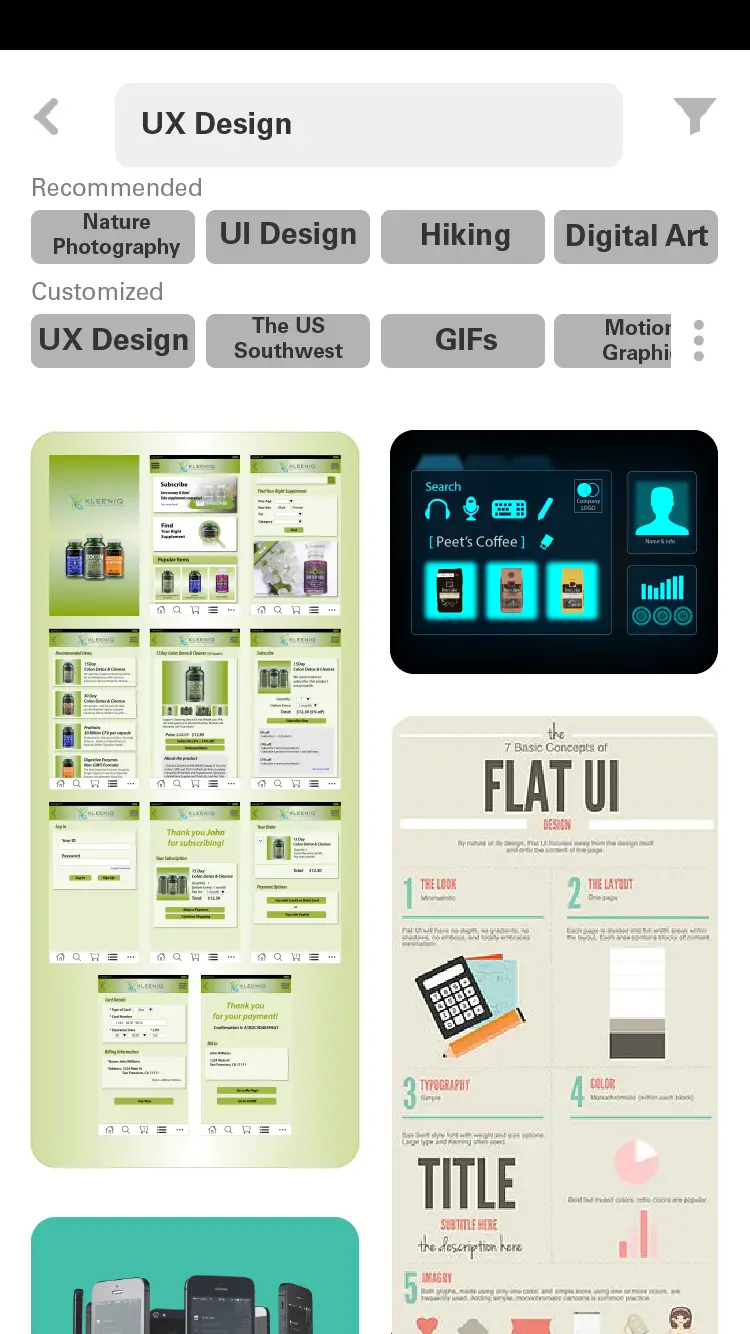
9Filtering (UX Design)
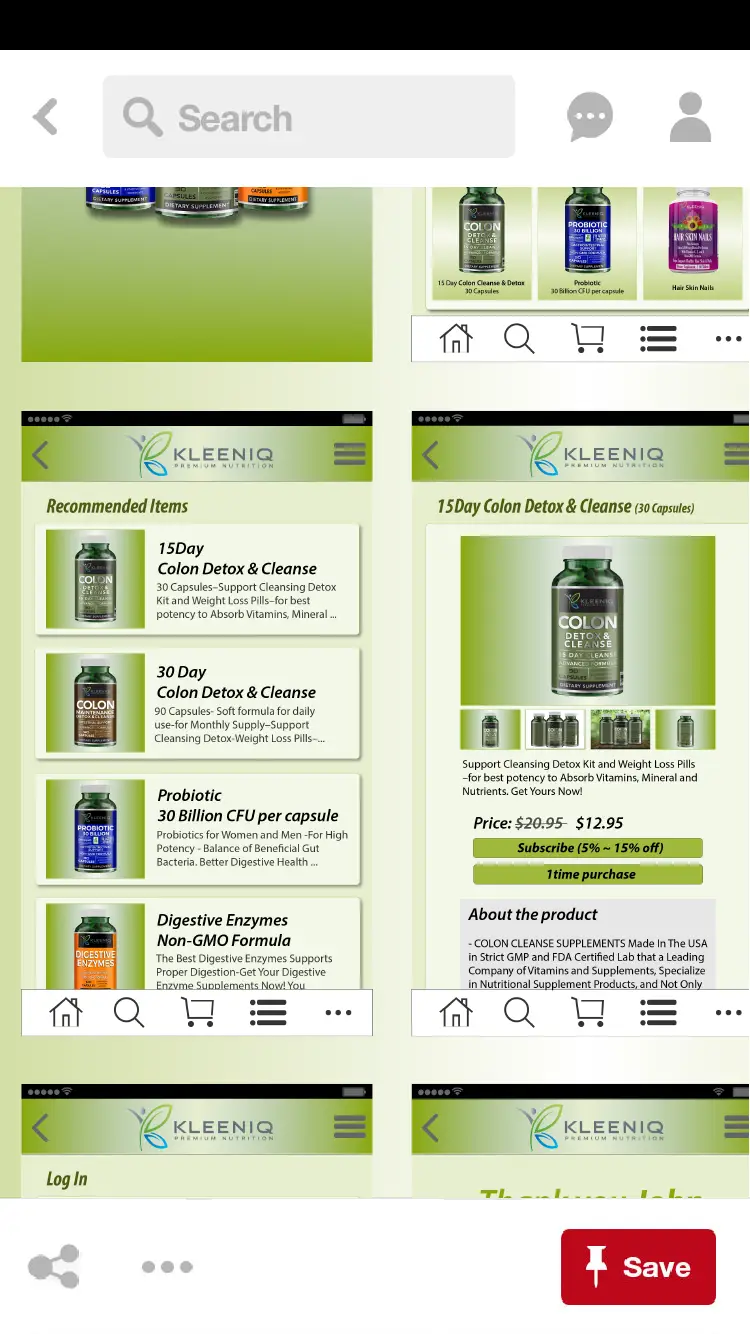
10Zoom in & Zoom out
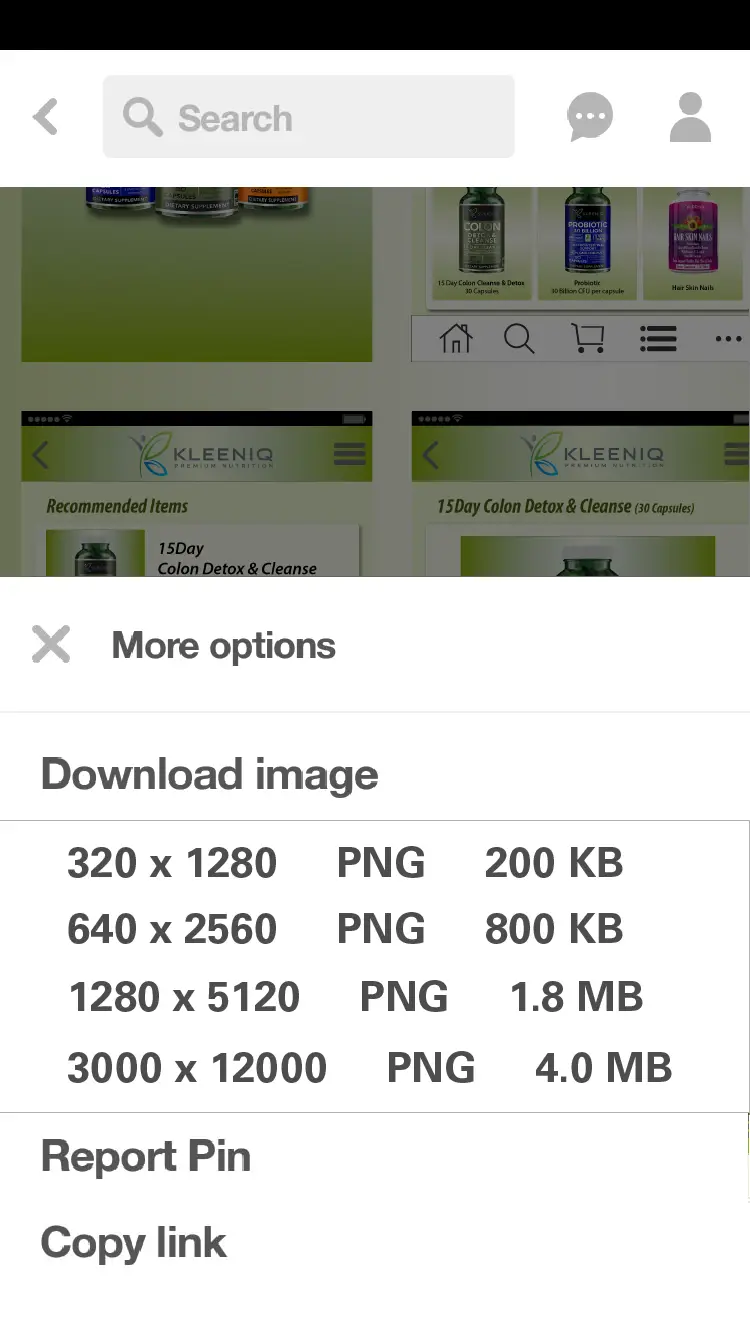
11Download with different image sizes
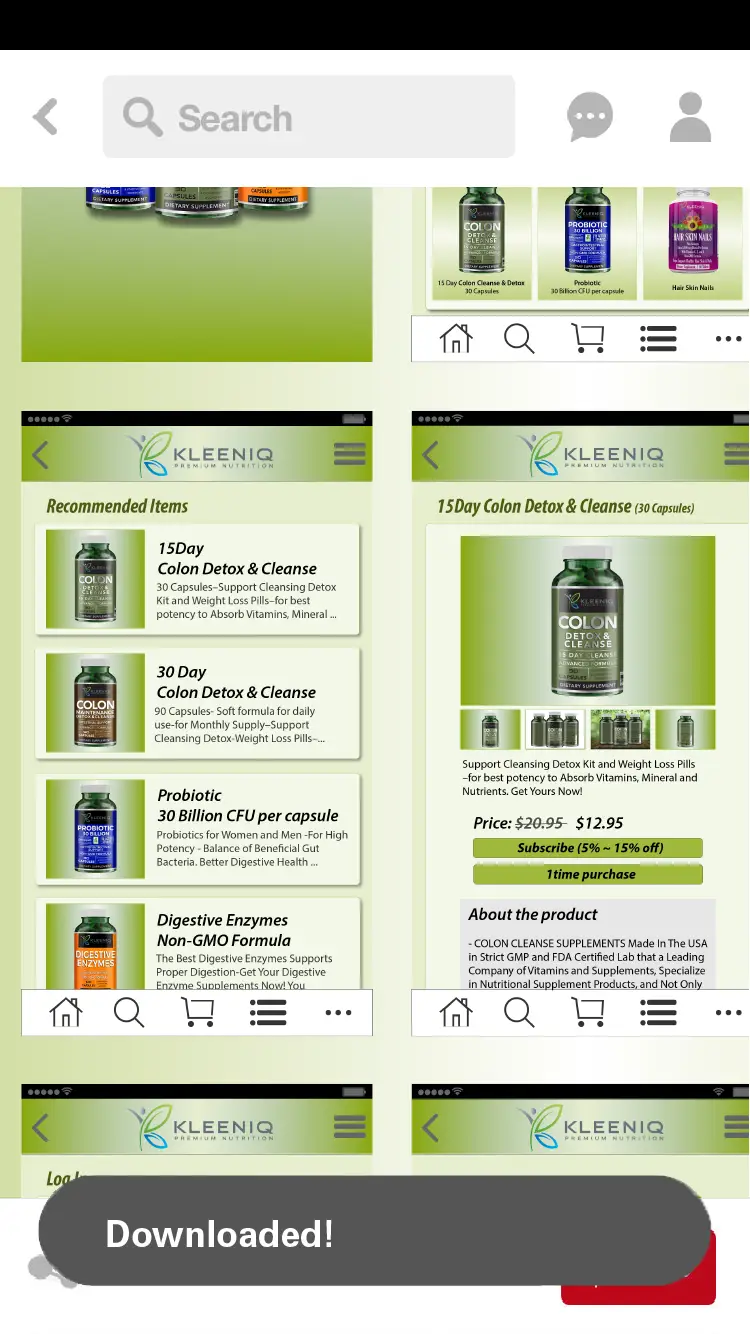
12View after downloading
Prototype